 Get to 69 Pre-Built AI Automations, Agents, Webapps, Many Claude Skills & more!
Get More Done Without Hiring Anyone With AI Systems That Generate Content, Leads, and Help Make Sales
 "
"


Save 10+ Hours on Setup
Each AI system took 10 to 20 hours to build. With ready-made templates and video tutorials, you can have them running in minutes. No coding required.
Stay Visible on Social Media Without the Grind
AI systems that create posts, videos, reels, and graphics — and publish them across Instagram, TikTok, YouTube, LinkedIn, and Facebook on autopilot.
Generate Leads and Follow Up Automatically
AI agents that find prospects, write personalized outreach, call leads, and book appointments — so you never lose a deal because you forgot to follow up.
Handle Customer Questions 24/7
AI assistants that answer questions, check orders, and sell products via WhatsApp or your website — without you being online.
Cut Hours of Busywork with AI Apps
Web apps and AI tools that track your expenses, summarize hours of content in minutes, and find validated business ideas — so you stop wasting time on tasks AI can handle.
Easily Customize to Fit Your Needs
Modify settings, AI prompts, and workflow options to match your specific goals — whether for content, sales, support, or productivity.
Step-by-Step Video Tutorials for Every System
Each template comes with a detailed video tutorial and setup guide, so you know exactly how to set it up even if you're completely new to AI tools.
 Hire a developer for $5,000+
Ready-made templates you set up yourself
Hire a developer for $5,000+
Ready-made templates you set up yourself
 Spend 10–20 hours building each system
Follow the video tutorial, done in minutes
Spend 10–20 hours building each system
Follow the video tutorial, done in minutes
 Watch random YouTube tutorials that don't work
 Step-by-step video for every single system
 Pay $50–$300 per video ad from freelancers
 Generate video ads for $0.50–$1.80 each
 Post to social media manually every day
 AI creates and publishes to 6 platforms
 Forget to follow up and lose deals
AI follows up and books calls automatically
Forget to follow up and lose deals
AI follows up and books calls automatically
 Miss calls and lose customers
 Voice agents and WhatsApp bots answer 24/7
This is why almost a thousand business owners use my AI Systems & Templates Templates instead of wasting weeks building everything from scratch:
Videos
Scratch
Templates
The Gap Is Getting Wider Every Day
While you're still doing things manually, your competitors are using AI to generate content, follow up with leads, and close deals on autopilot. Businesses using AI are already saving 10+ hours a week and spending a fraction of what you pay for freelancers. Every week you wait, you fall further behind. The people who start now win — the rest get replaced.








 How These AI Systems & Templates Work
These systems run on beginner-friendly AI tools. Some are automations built for n8n, Make.com, Claude Cowork or Claude Code. Others are custom built web apps. All platforms are free to start, and every system comes with a step-by-step video tutorial and setup guide - no prior experience required.
Get Instant Access To These Premium AI Systems & Workflows (New Added Regularly):

If they don't reply, it follows up automatically. If they do reply, it stops, and leaves them to you. Every lead, every message, every reply tracked in one live dashboard. All you do is open it and reply to the people who are interested.
You approve the cut before it renders, in a single chat message. Not happy with a graphic or the B-roll? Tell Claude what to fix, until you're happy. Say yes and it renders - a finished video, ready to publish.
You approve the post before it goes live in a single Telegram message. Not happy with the image? Type "no" and AI regenerates a new one, until you're happy. Type "yes" and it's posted - automatically, to your LinkedIn profile.
If a business has no email but only a contact form, it fills in and submits the contact form automatically so no lead ever gets missed. Every morning it finds new leads, sends new emails, and checks your inbox for replies — updating your live dashboard in real time so you always know who responded, who needs a follow-up, and how your outreach is performing. The pipeline runs in the background while you focus only on the leads that actually respond.
Click your inbox app and Claude has already read every email and split them into four groups: needs your reply, new customer inquiries, waiting on others, can ignore. Click your sales app and see exactly how many sales you made, your best selling offer, etc. Click your competitor tracker and see which of their videos are growing fast this week. Click your email list and see open rates, click rates, and which topics your audience actually responds to.
Once a week, add your YouTube analytics and it builds an interactive dashboard showing exactly what's working, what isn't, and your progress towards 100,000 views a month.
Once they accept, a follow-up message is ready to send with one copy-paste. No manual searching, no writing messages from scratch, no keeping track of who you contacted. The pipeline runs on a daily schedule in the background and adds 33 fresh leads every morning without you touching anything. All you do is open your spreadsheet, click the link, copy the message, and hit send. 5 minutes a day. Works for any service business, any niche, any target audience - just change the job title and company type and the whole system adapts instantly.


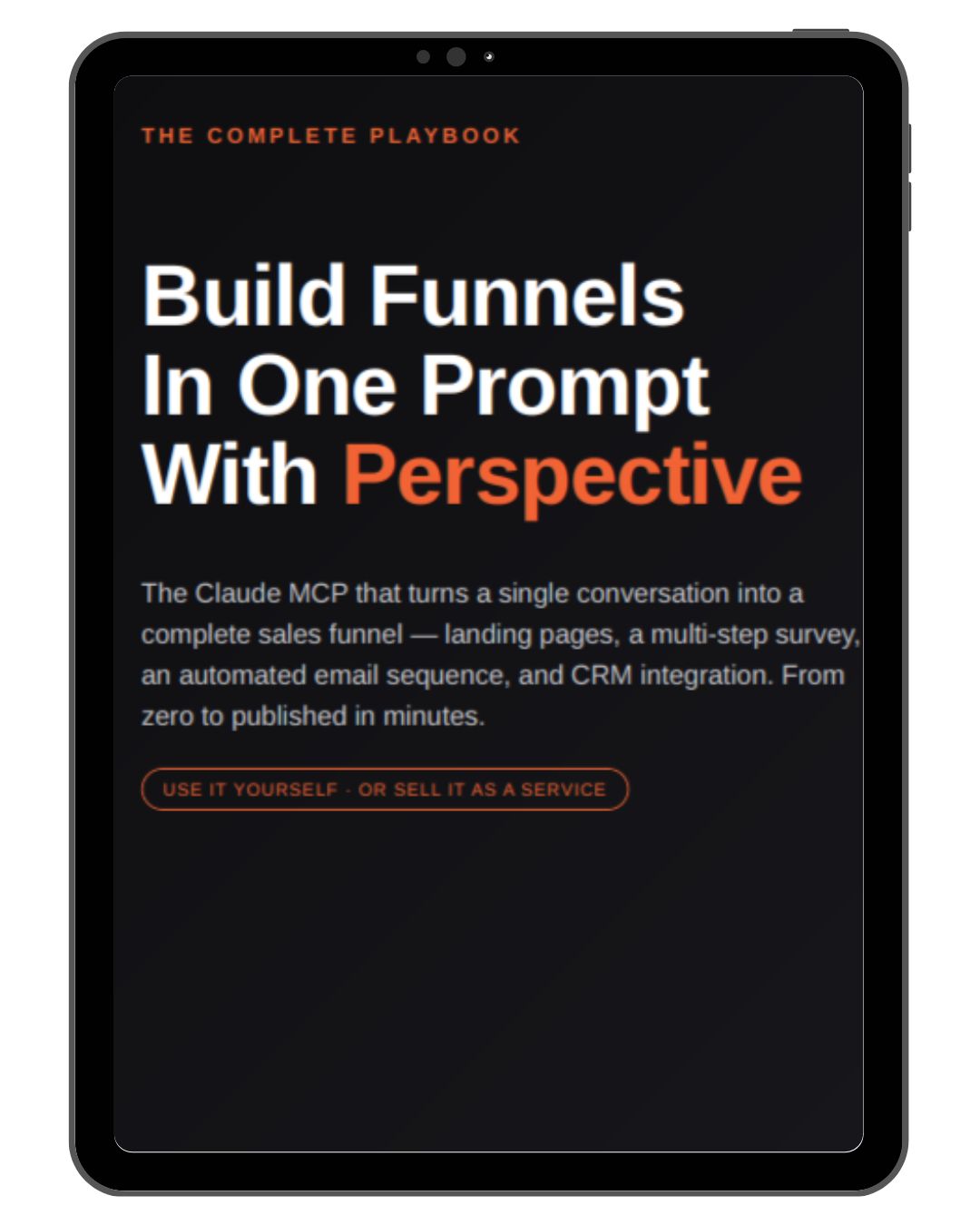
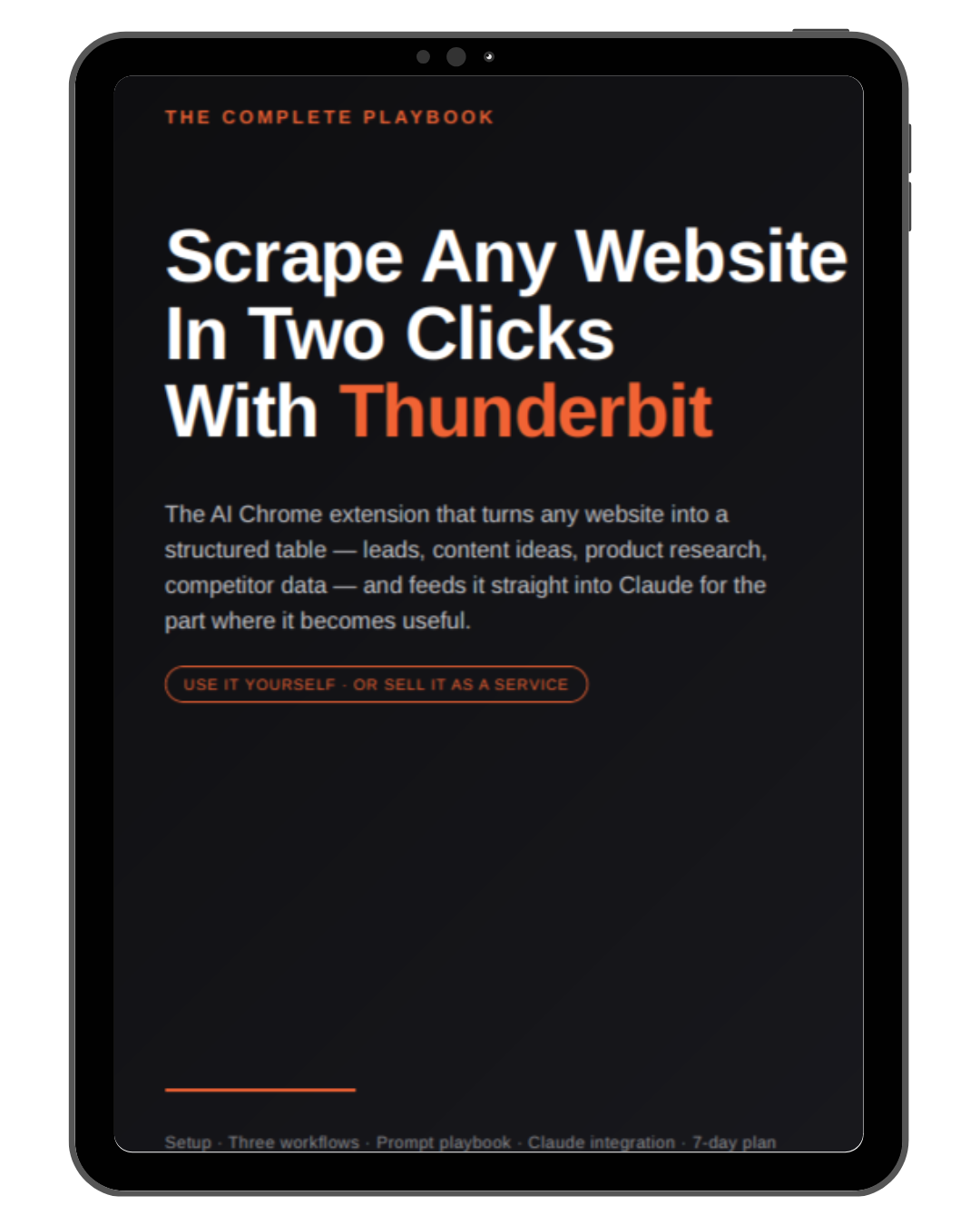

Installable automations Claude can run for you — included with your access.
View all Claude Skills
Build a Live YouTube Growth Hub
Creates a live dashboard in your sidebar with competitor top videos, AI remix ideas, and your channel progress — updated automatically.
Build a Live Sales Dashboard
Connects to Stripe, Gumroad, Ablefy, Shopify, and more to show your revenue, orders, and MRR in a live auto-refreshing dashboard.
Build a Live Email Marketing Dashboard
Connects to Mailchimp, ActiveCampaign, Klaviyo, ConvertKit and more — shows open rates, click rates, subscriber growth, and top campaigns live.
Build a Live Inbox Dashboard
Connects to your email and categorises everything into tabs: Needs Reply, New Enquiries, Waiting on Them, and Can Ignore — refreshed live.
Find What's Trending on YouTube
Search any topic and instantly see the top-performing videos so you know what's getting views before you record.
Analyze Any Competitor Channel
Paste a channel URL and get a breakdown of their best-performing videos, momentum topics, and content gaps.
Remix Winning YouTube Titles
Take a proven title and adapt it for your channel with minimal changes — keeping the hook, making it yours.
Remix Top-Performing Thumbnails
Get 3 minimal-change thumbnail concepts from a competitor's winning design — with exact text and layout instructions.
Design YouTube Thumbnails from Scratch
Get a complete thumbnail brief — layout, text, colors, and focal point — built around your video topic and target audience.
Remix a Competitor's Video Script
Paste any competitor transcript and get a full script that keeps the winning structure with your voice swapped in.
Auto-Reply to First-Contact Emails
Automatically send a personalized reply to every new inbound email — while skipping active back-and-forth threads.
Daily Email Inbox Digest
Get a clean summary of your inbox each morning — grouped by category, urgent messages flagged, replies surfaced first.
Run Personalized Email Campaigns
Load a CSV of contacts, send a personalized email to each, and auto follow-up with anyone who hasn't replied.
Build Reply Templates from Your Sent Folder
Scan your sent emails, group by topic, extract a reusable template for each — ready for your auto-reply system.
Turn Your Website Into Email Templates
Scrape your product pages and auto-generate reply templates for every question customers are likely to ask.
Scrape Local Business Leads
Give a business type and city — get back an Excel CRM file with names, websites, and emails. No manual searching.
Submit Outreach via Contact Forms
When a business has no public email, Claude fills in their contact form and submits your message automatically.
Write LinkedIn Connection Requests
Load your lead list and get a personalized connection request for every prospect, written from their actual posts.
Write LinkedIn Follow-Up Messages
Once a connection is accepted, draft a personalized follow-up DM for each lead tailored to their profile and your offer.
Analyze Your Skool Community
See trending topics, common questions, and engagement patterns so you know what content your audience actually wants.
Write JavaScript for n8n Code Nodes
Get working JavaScript with correct $input, $json, and $node syntax — error-free logic, first try.
Write Python for n8n Code Nodes
Get working Python built for n8n's execution environment using the correct _input and _json syntax, first time.
Fix n8n Expression Errors
Paste a broken expression and get the corrected version — variable access, operators, and syntax fixed in seconds.
Debug n8n Validation Errors
Paste a validation error and get a clear explanation of what's wrong and exactly how to fix it.
Configure n8n Nodes Correctly
Step-by-step guidance on required fields for any n8n node — stop hitting "missing parameter" errors.
Use n8n-MCP Tools Like an Expert
Expert guidance on searching nodes, validating configs, and managing workflows using the full n8n-mcp toolset.
Design n8n Workflows with Proven Patterns
Build automations using battle-tested patterns for webhooks, APIs, databases, AI agents, and scheduled tasks.
Every system has a video tutorial
Just follow along step by step. No coding, no tech skills needed.
Setup takes minutes, not hours
Then AI handles the work 24/7 while you focus on what matters.
You don't build — you copy a template
Everything is pre-built. Just follow the guide, customize for your needs, done.

Templates get updated, new ones added regularly
When tools change, your systems get updated. New AI systems are released based on the newest tools.
 600+ business owners had the same doubts — and started anyway

"What if I packaged everything I built and made it accessible to everyone — no coding, no tech skills required?"


 Especially when fine-tuned and combined with your own pictures and videos."
 Good job "
 "
"Get Instant Access to Premium AI Systems & Workflows:
Total value: $5,516+
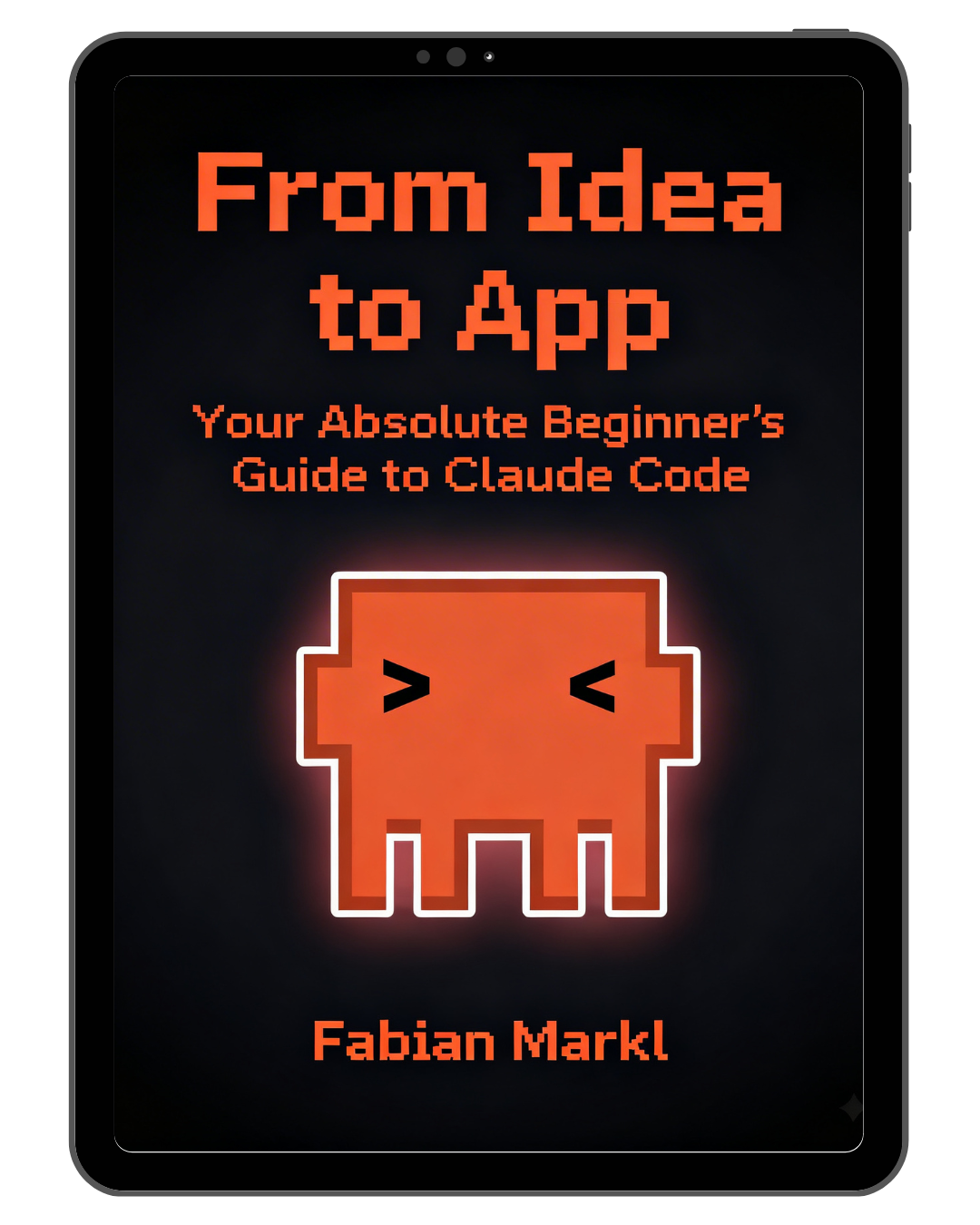
- 69 premium AI systems & workflows — automations, AI agents, dashboards, voice bots, web apps, and more
- New systems, workflows & Claude Skills added regularly — at no extra cost, your library keeps growing
- Step-by-step video tutorials — easy to follow, even without technical skills
- Troubleshooting guides & prompts — so you never get stuck
- 5 AI web apps — podcast automation, voice-to-content tool, expense tracker, business idea finder, survey chatbot
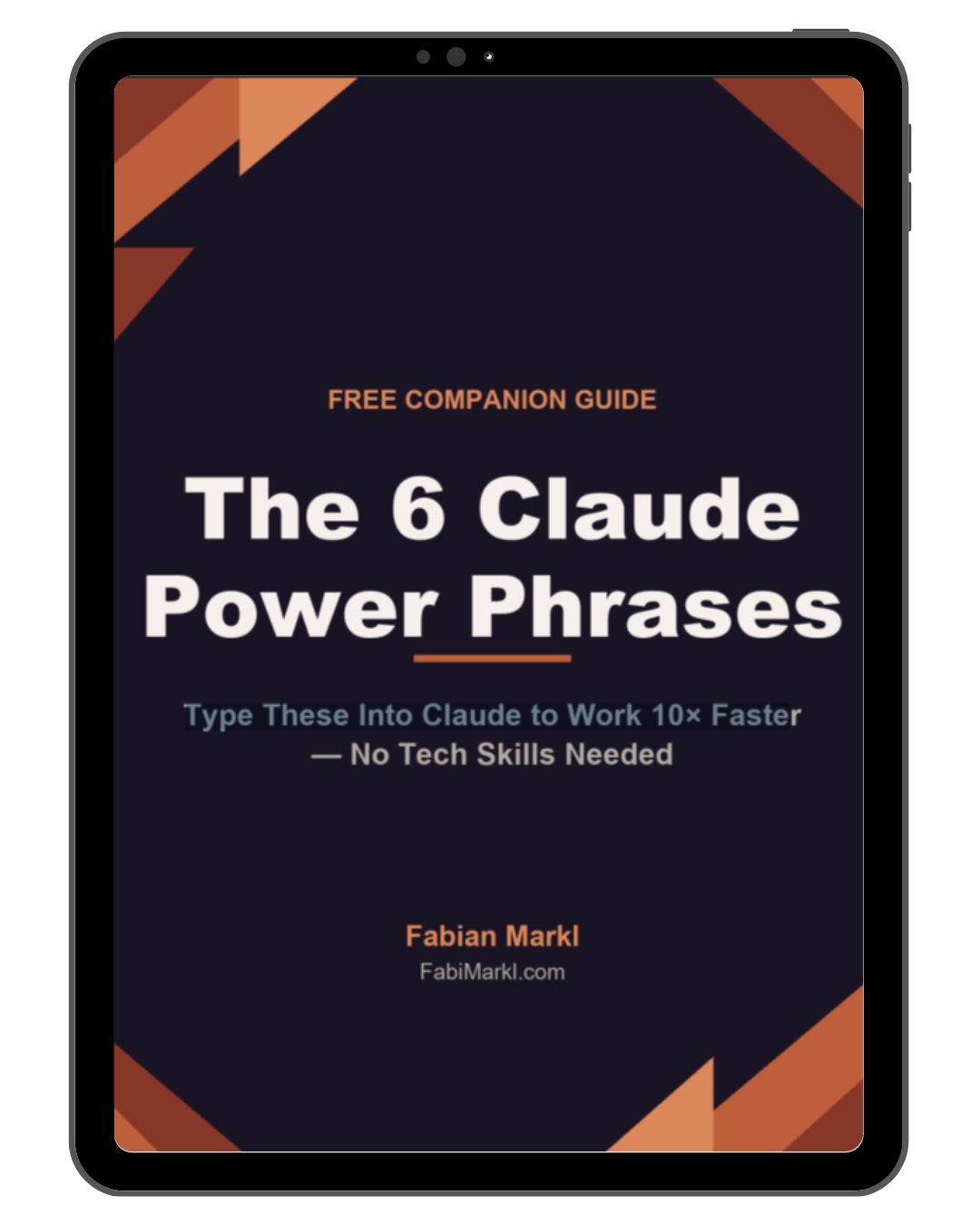
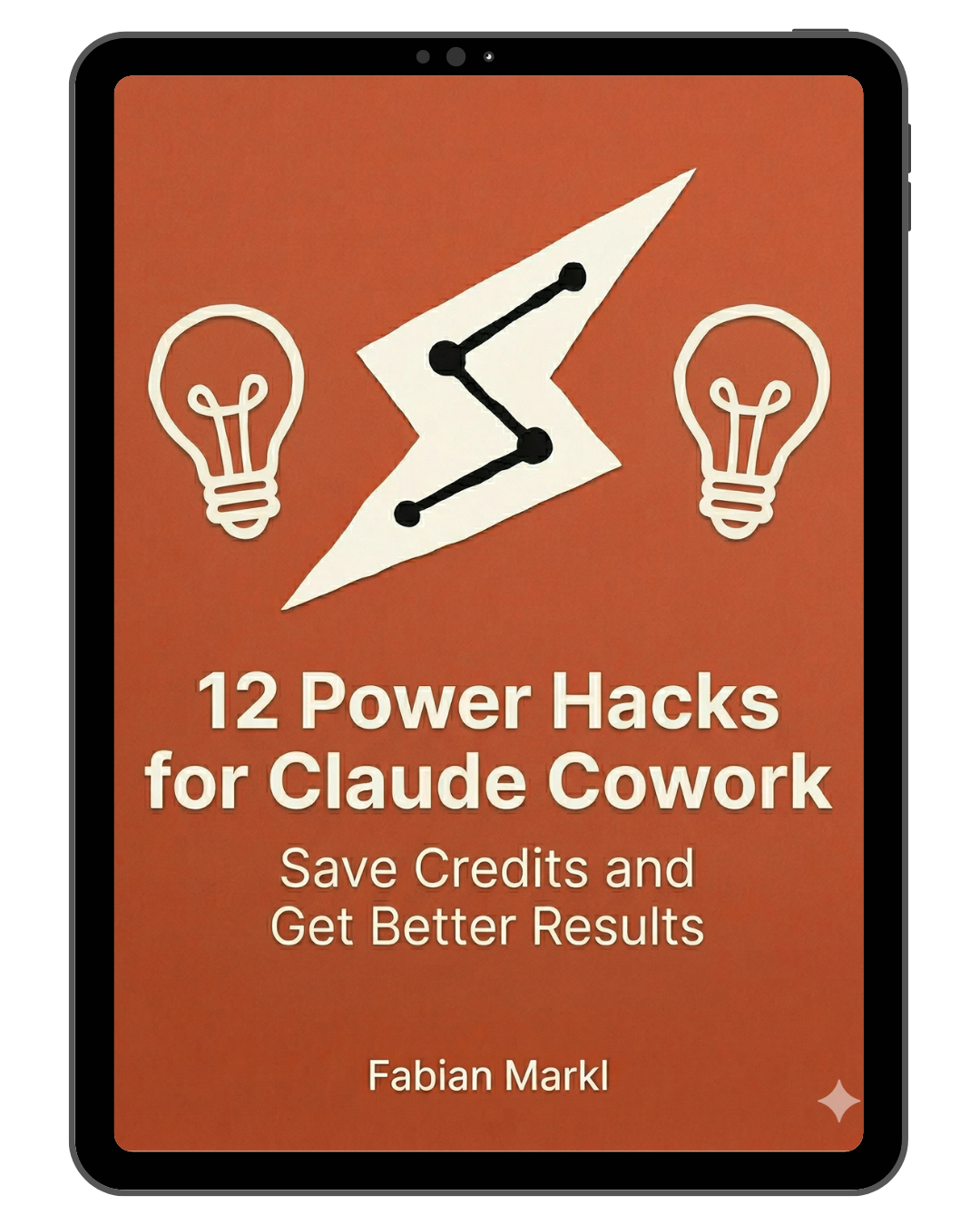
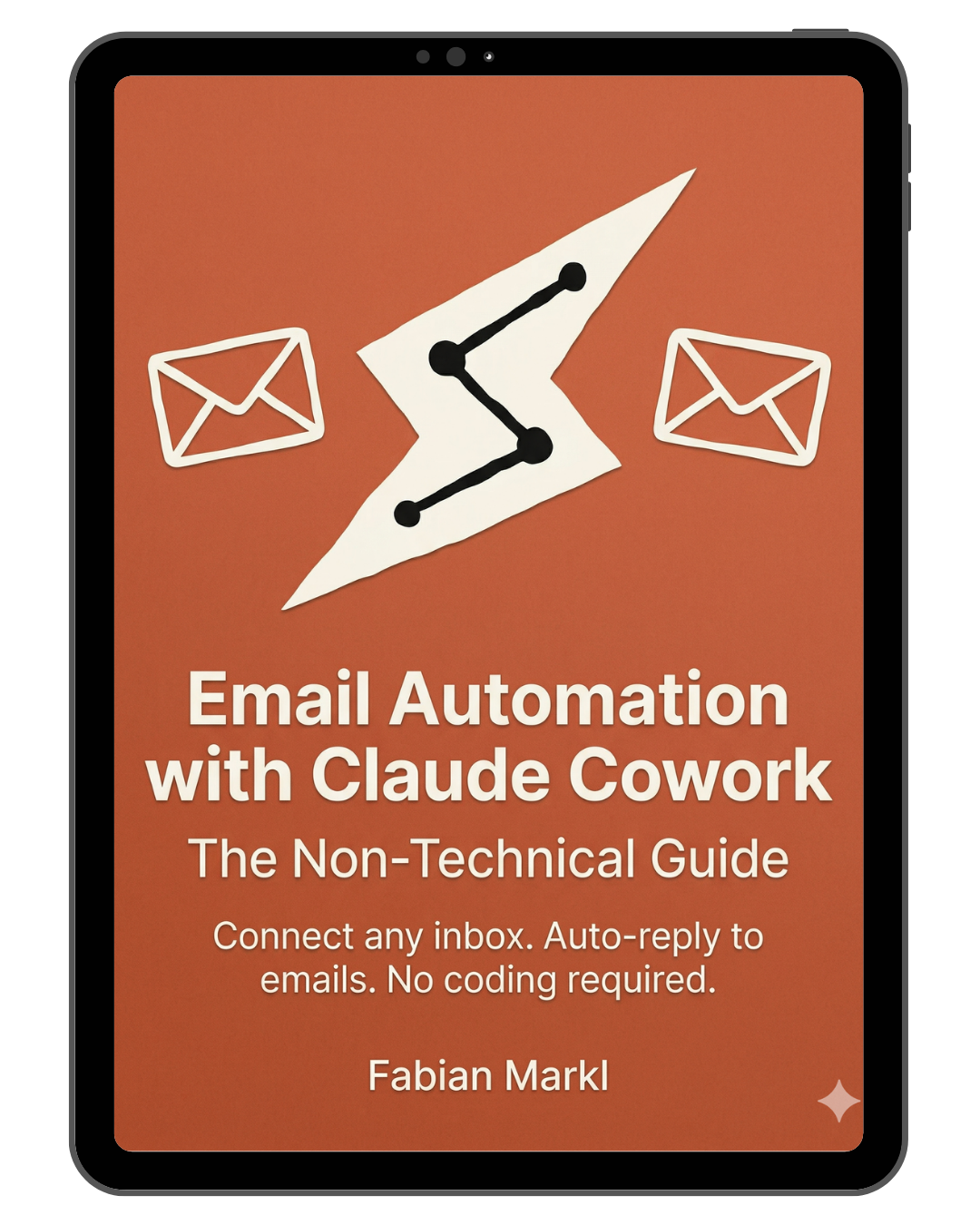
- 12 bonus guides & tutorials — build your own AI web apps with Claude Cowork, Claude Code, Claude Design, Antigravity + much more!
- Bonus: AI Agent Knowledge File Creator
- Bonus: Private community access to ask questions and get feedback
Total value: $5,516+
- 69 premium AI systems & workflows — automations, AI agents, dashboards, voice bots, web apps, and more
- New systems, workflows & Claude Skills added regularly — at no extra cost, your library keeps growing
- Step-by-step video tutorials — easy to follow, even without technical skills
- Troubleshooting guides & prompts — so you never get stuck
- 5 AI web apps — podcast automation, voice-to-content tool, expense tracker, business idea finder, survey chatbot
- 12 bonus guides & tutorials — build your own AI web apps with Claude Cowork, Claude Code, Claude Design, Antigravity + much more!
- Bonus: AI Agent Knowledge File Creator
- Bonus: Private community access to ask questions and get feedback
Total value: $5,516+
- 69 premium AI systems & workflows — automations, AI agents, dashboards, voice bots, web apps, and more
- Just $5.74 per system — and dropping every time a new one is added
- New systems, workflows & Claude Skills added regularly — at no extra cost, your library keeps growing
- Step-by-step video tutorials — easy to follow, even without technical skills
- Troubleshooting guides & prompts — so you never get stuck
- 5 AI web apps — podcast automation, voice-to-content tool, expense tracker, business idea finder, survey chatbot
- 12 bonus guides & tutorials — build your own AI web apps with Claude Cowork, Claude Code, Claude Design Antigravity and much more!
- Bonus: AI Agent Knowledge File Creator
- Bonus: Private community access to ask questions and get feedback
*7-Day Money Back Guarantee*
Your purchase includes a 7-day money-back guarantee. If you’re not satisfied, you can request a refund within 7 days of purchase.
Refunds are available if the templates cannot be used as provided due to functionality issues and only after you have requested support via email or the discord group and show proof you implemented the suggestions.
This guarantee does not cover difficulties in customizing or modifying the templates beyond their intended functionality.
To process a refund, I ask that you provide specific feedback on the functional issue to help improve future offerings.
Earnings Disclaimer:
The income examples referenced on this page are illustrative and do not guarantee any specific results. Actual earnings and outcomes depend on a variety of factors, including your market, audience, strategy, and effort. We do not make any claims or promises of income. Use of this system does not constitute a guarantee of financial success.